Please confirm your E-mail
…check your inbox – or your spam folder – to confirm your email.
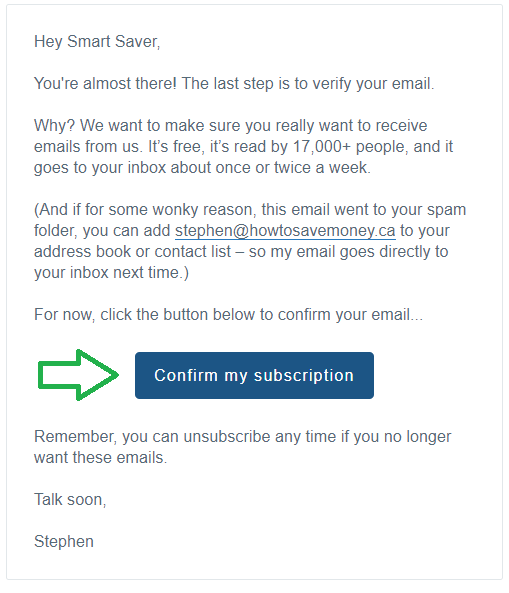
You should receive an e-mail in the next few minutes that asks you to confirm your e-mail, here's how:
Step 1. In your inbox, check for an email from moneyGenius.ca with the subject line “Response Required: Confirm your e-mail”
Step 2. Open the email and click the "Confirm my subscription" button.
Step 3. If for some wonky reason you haven’t received your email after a few minutes, check your spam folder as well.
Talk soon,
Stephen